> For the complete documentation index, see [llms.txt](https://sharpsync.gitbook.io/sharpsync/llms.txt). Markdown versions of documentation pages are available by appending `.md` to page URLs; this page is available as [Markdown](https://sharpsync.gitbook.io/sharpsync/advanced/bom-sets.md).
# BOM Sets
BOM Sets represent a collection of all configurations related to a given BOM
{% hint style="warning" %}
The BOM Sets feature is a new feature that is still under development and is only available by request. Please contact our team for more info.
{% endhint %}
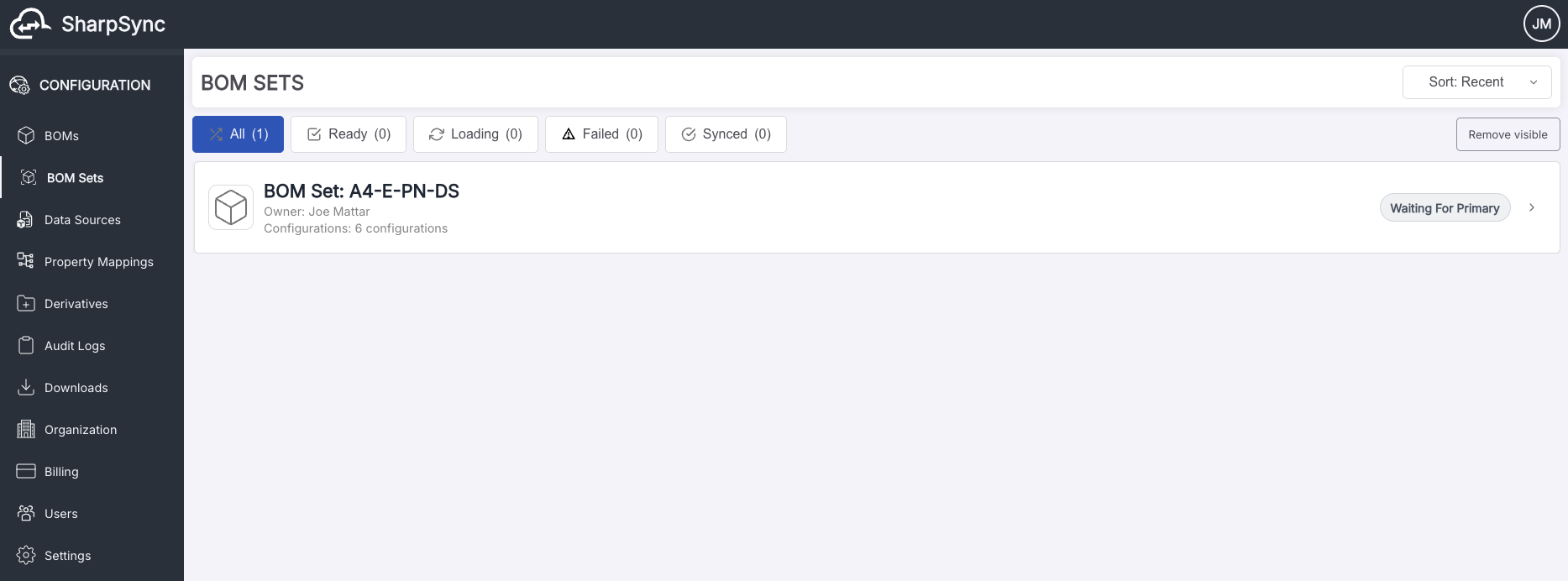
After exporting a BOM Set from a supported Primary DataSource, a BOM Set card will appear in the BOM Sets page.
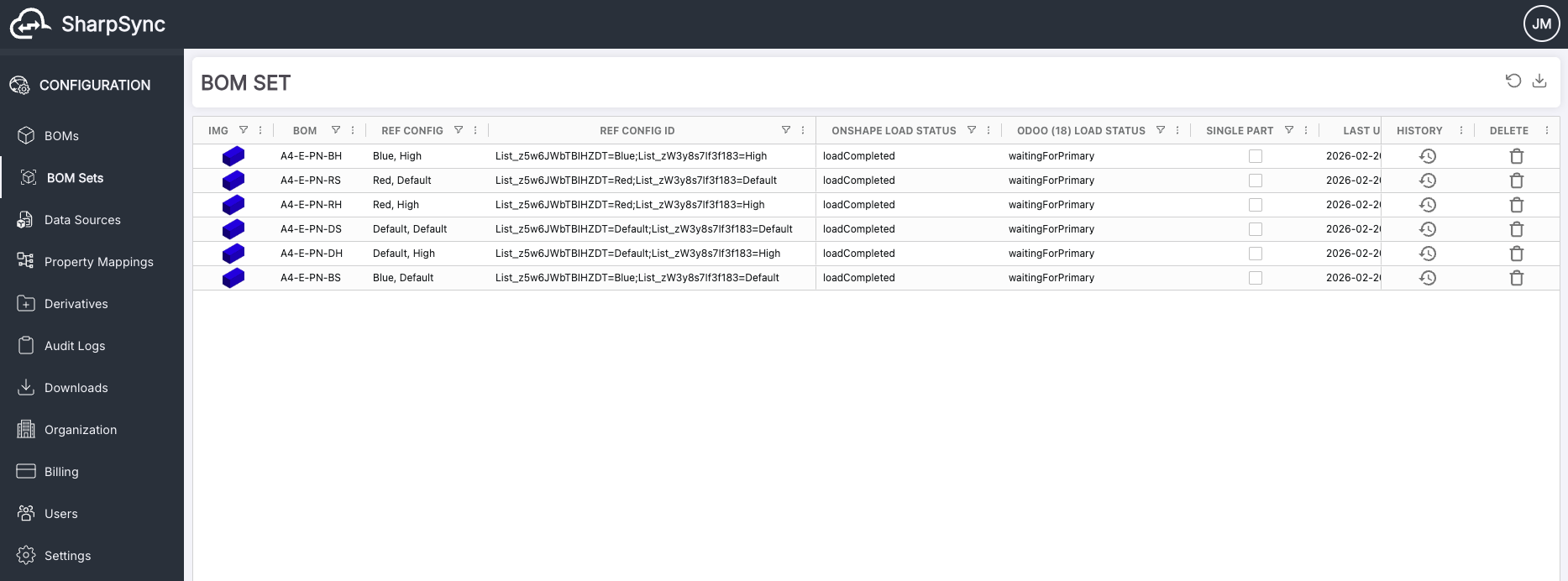
SharpSync will process the different configurations of a BOM Set in the background and will create an individual BOM Set BOM for each BOM Set configuration. Configuration processing indicators will be updated in real time to notify the user.
Furthermore, the primary and Secondary BOMs related to each configuration of a BOM Set will also start loading automatically in the background. And can be viewed by navigating to the individual BOM Set page by clinking on the BOM Set name or the navigation arrow.
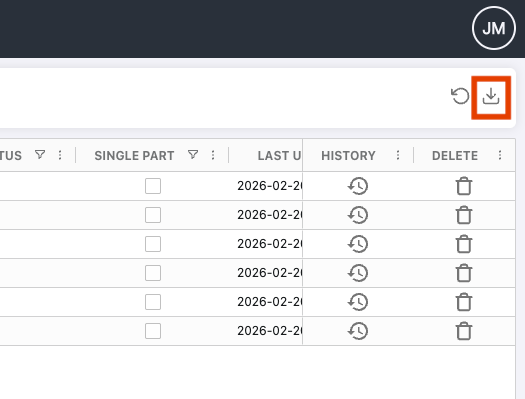
Once all configurations have been loaded with Primary Load Status of `loadCompleted` , a zip file containing a CSV file per configuration can be downloaded by clicking on the "Download CSVs" button.
Column headers of BOM configuration CSV files represent the Display Names of the primary Data Source fields / properties as setup in the Property Mappings and their order is determined by the existing sort order of the mappings.
#### **Auto Build Comparison BOMs of BOM Set BOMs**
The auto-build process of comparison BOMs of a BOM Set will be triggered when navigating to the individual BOM Set page after all configurations have been processed and all primary and secondary BOMs of BOM Set BOMs have successfully been loaded.
#### **Reverting BOMs in a BOM Set**
Should errors occur in the loading or syncing process of a BOM in a BOM Set, the option to revert a BOM will be displayed.
Reverting a BOM will reset its loading or sync status (if with errors or warnings).
The option to mass revert all BOMs with issues in a BOM Set will also be enabled by right clicking on any cell under the `REVERT` column --> `Revert` --> `Revert All Boms With Issues`